Showit vs. WordPress vs. Squarespace: Which Website Platform Is Actually Right for Your Creative Business?
Filed In:
Showit vs. WordPress vs. Squarespace: Which Website Platform Is Actually Right for Your Creative Business?
July 9, 2026
Lindsey eryn
If you’ve spent an evening (or ten) with fifteen browser tabs open, comparing website platforms until the words stop meaning anything — you’re not alone. Every platform swears it’s “the easy one.” Every review says something different. And meanwhile, your business is sitting there without a home.
So let’s cut through it. Here’s an honest look at Showit, WordPress, and Squarespace — not which one is objectively “best,” but which one is actually right for you, depending on what you need your website to do.
What to Actually Look For as a Creative Entrepreneur
Before comparing platforms, get clear on what matters for your business specifically:
- Design freedom — can you make it look exactly like your brand, or are you stuck inside a template’s opinions?
- Ease of editing — can you update it yourself in five minutes, or does every change require a developer?
- Blogging & SEO power — does it actually help people find you in search?
- Time to launch — are you live in a week, or three months from now?
Keep these four in mind — they’re the real decision-makers.
WordPress: Powerful, But Not Built for Visual Brands
WordPress is the most flexible platform in the world in terms of raw capability — it powers a huge share of the internet, and its blogging and SEO tools are genuinely excellent (this is actually why so many Showit users, including this one, run WordPress quietly in the background just for blog content).
Where it gets hard: design freedom on WordPress usually means either learning to work with themes and page builders, or hiring a developer every time you want something custom. For a visual, brand-forward business, that gap between “what I want it to look like” and “what I can actually build” is where WordPress-only sites tend to struggle.
Best for: Businesses where content/SEO is the main goal and visual customization is secondary.
Squarespace: Easy to Start, Limiting to Customize
Squarespace deserves credit for being genuinely beginner-friendly. You can go from zero to live site in an afternoon, and it looks clean out of the box.
The tradeoff shows up over time: Squarespace’s design system is opinionated. Once your brand grows a personality of its own, you’ll likely hit a ceiling — certain layouts, spacing, and interactions just aren’t possible without fighting the platform.
Best for: Very early-stage businesses that need something live fast and aren’t yet precious about custom design.
Showit: Full Design Freedom, No Code Required
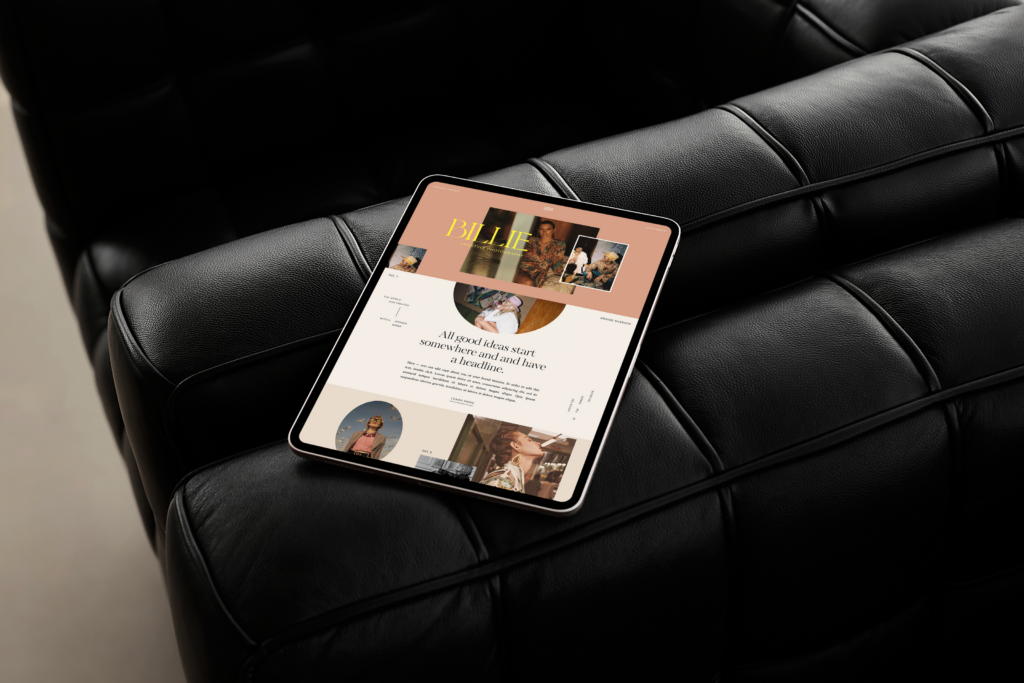
Showit was built specifically for this problem: true drag-and-drop design freedom (pixel-perfect, like a design tool) without needing to write a line of code — and it pairs seamlessly with WordPress on the backend for blogging, so you’re not sacrificing SEO to get there.
That combination is why so many photographers, designers, coaches, and creative business owners land here after outgrowing Squarespace or getting frustrated with WordPress alone: you get the visual control of a custom-coded site with the day-to-day ease of drag-and-drop editing.
Best for: Creative entrepreneurs who want their site to look and feel unmistakably theirs — without needing a developer on speed dial.
So, Which One Is Right for You?
Quick gut-check:
- Want maximum content/SEO power and don’t mind a learning curve? → WordPress
- Need something live this week and don’t have strong design opinions yet? → Squarespace
- Want a site that looks custom-built and feels like you, with room to grow? → Showit
If that last one is you, this is exactly what our templates are built for — fully customizable, launch-ready, and designed specifically for creative businesses who want their website to feel like a true reflection of their brand.
Templates
Shop


"Gang, hire this girl.
She took my brain and
Made It Into A Visual Masterpiece!"
"Lindsey is the artist behind the website and all the design work for my brand. but, more importantly, she was the voice that jumped on a phone call with me and said 'you're the magic, linds. it's you.' and that call changed it all."
from lindsey plevyak